JobsPermanent link to Jobs
OverviewPermanent link to Overview
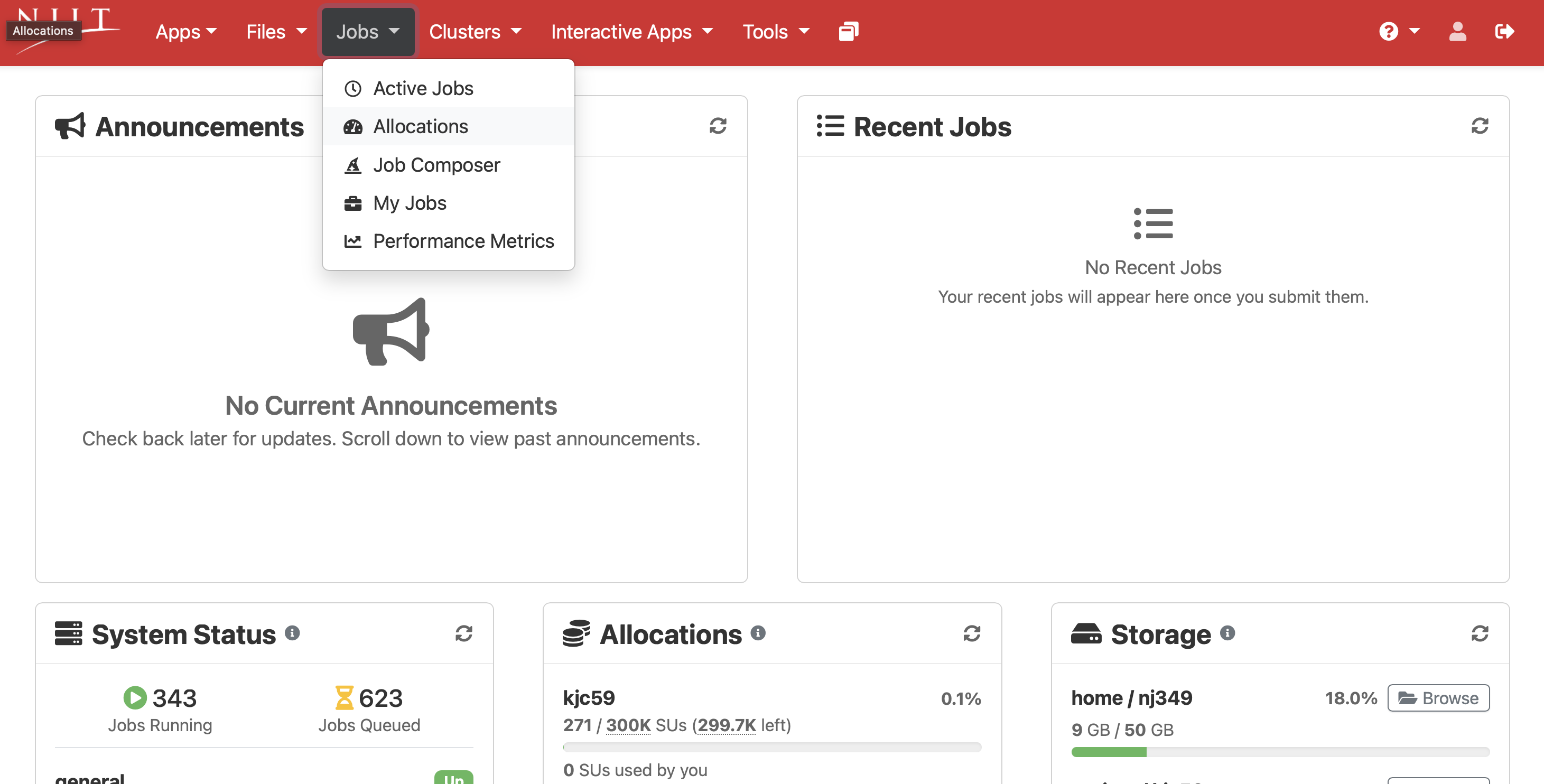
The Jobs menu includes tools for creating jobs, monitoring them, and reviewing your allocation and performance.
-
Job Composer assists users to build and submit a custom Slurm job script in the browser: set the account, QoS, partition, walltime, cores, and memory, then edit the script content directly. Advanced options let you configure a job array.
-
Active Jobs allows users to view all jobs you currently have running or queued (whether submitted through OnDemand or not), and monitor, cancel, or open a job's working directory.
-
Allocations consists of the Allocations Usage dashboard that shows your account's SU quota, SUs used, project/scratch storage, and a per-user breakdown.
-
My Jobs is a searchable, filterable history of your jobs over a date range, with charts (e.g. Job State Distribution) and per-job efficiency data.
-
Performance Metrics summarizes statistics on your job efficiency (memory, time, CPU), average wait time, mean job duration, and total wall time.