Active jobs
Active JobsPermanent link to Active Jobs
Active Jobs lets you view every job you currently have running or queued — whether you submitted it through OnDemand or from the command line — so you can check on its status in one place.
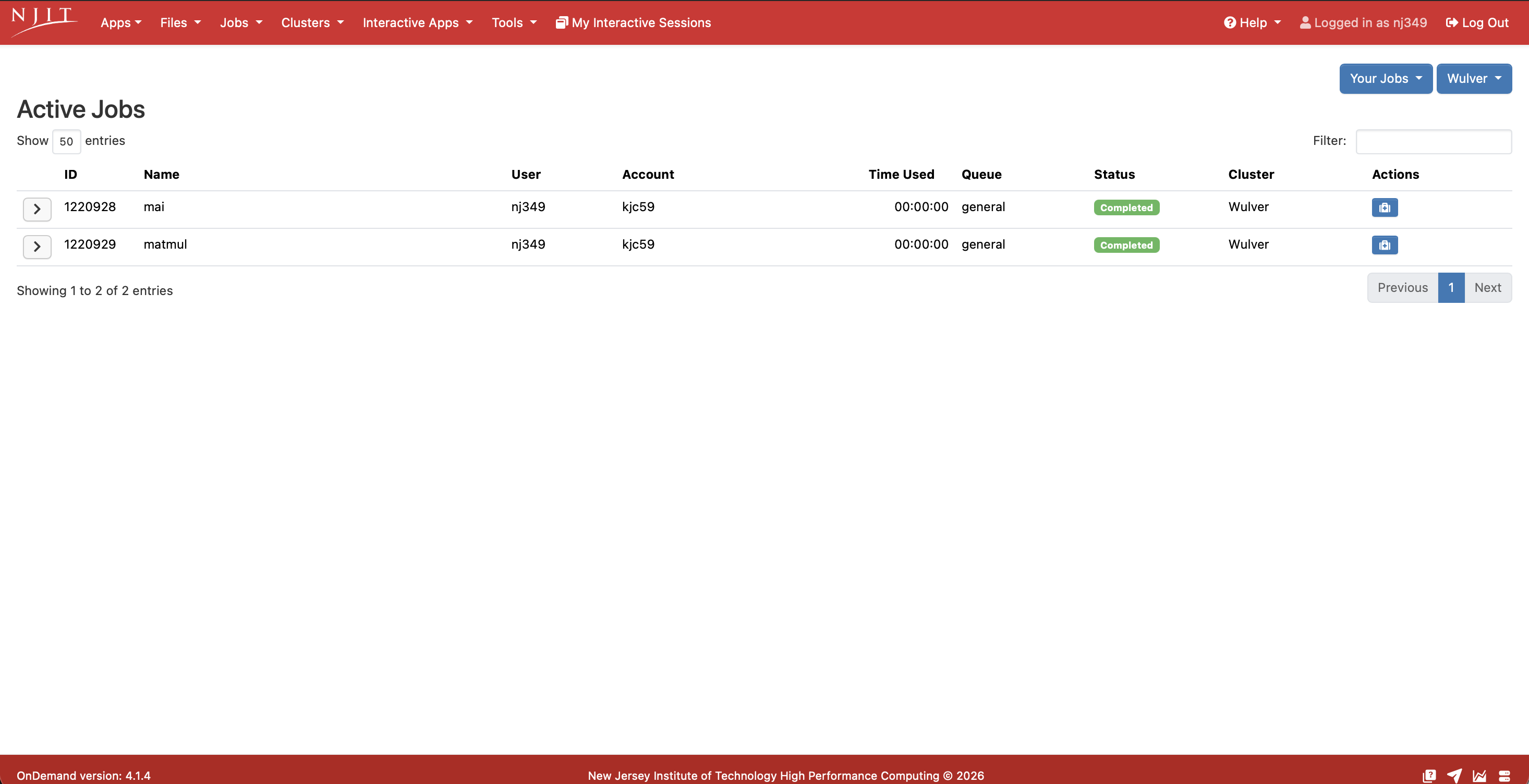
Use the controls above the table to change how many entries are shown per page, filter the list with the Filter box, and switch between All Jobs / your own jobs and All Clusters using the dropdowns at the top right.
You can expand any job with the arrow on the left to see more details. From the expanded view you can also open the job's current working directory in the file manager or a terminal by clicking Open in File Manager or Open in Terminal, respectively.